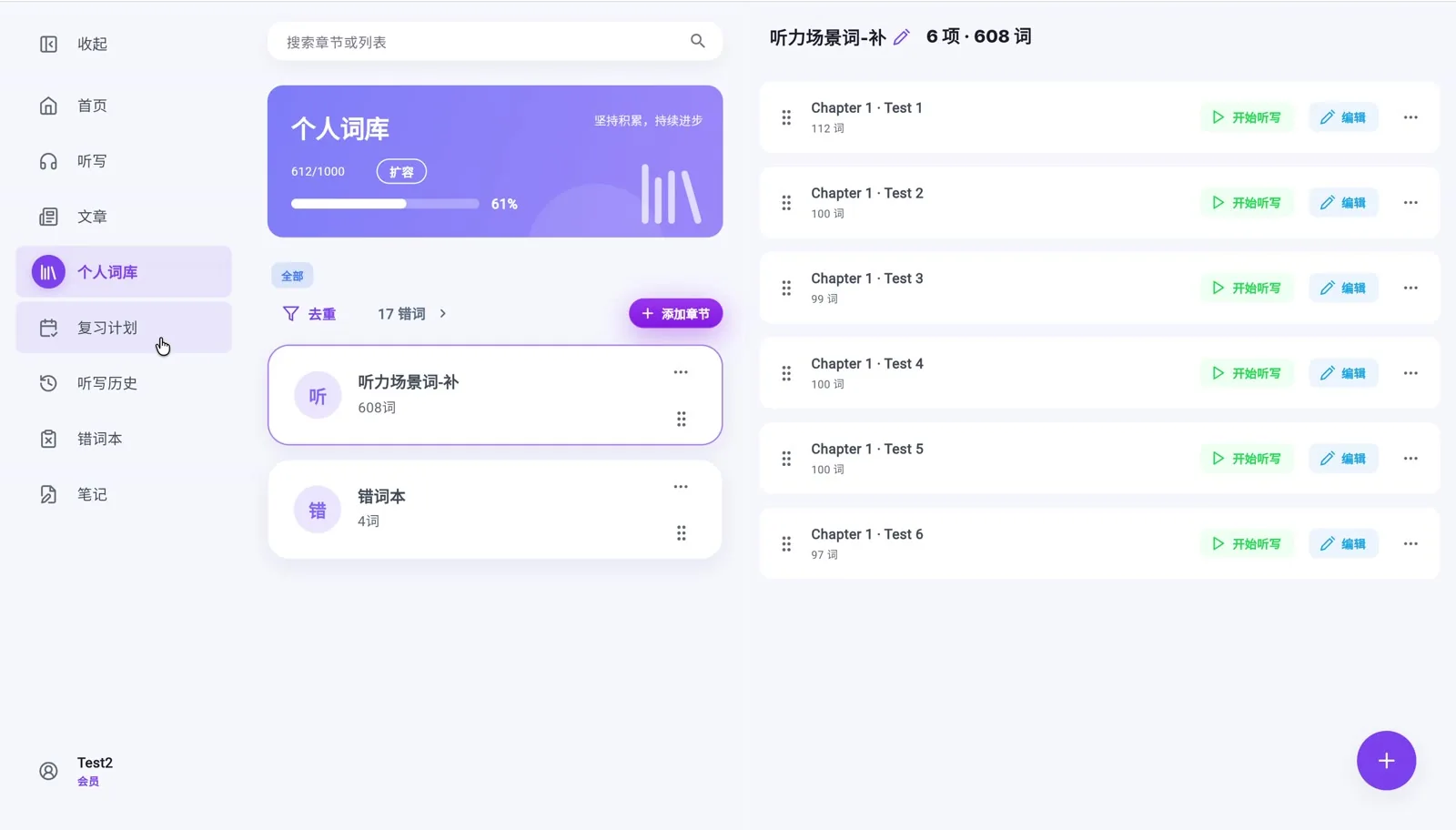
个人词库Personal wordbooks
整理自己的单词、章节和词书,把知识收得井井有条。Organize words, chapters and books into your own library.
听写、专注、笔记与个人词库,在手机、平板和电脑上自然衔接。Dictation, focus, notes and personal wordbooks — designed for phone, tablet and desktop.
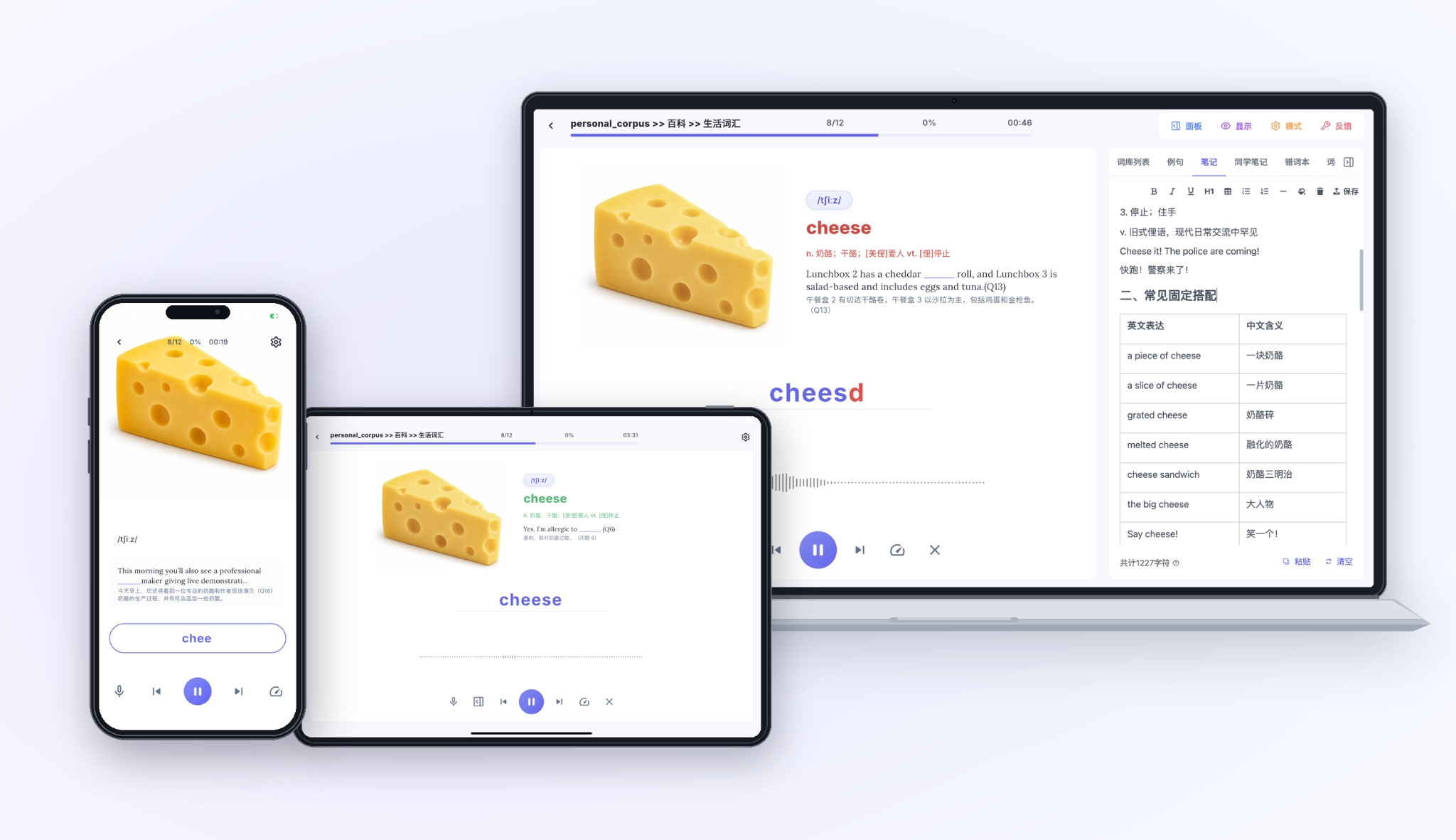
从整理单词到真正掌握,把词汇学习拆成一件件简单的小事。From organizing new words to really remembering them, each feature helps make steady progress.
整理自己的单词、章节和词书,把知识收得井井有条。Organize words, chapters and books into your own library.
跟着音频熟悉发音和词义,从听懂到记住。Explore pronunciation and meaning through focused listening.
听声音、写单词,及时发现容易拼错的地方。Hear words, type answers and learn from mistakes.
减少干扰,沉浸在一个单词、一段时间里。A calmer space to give each word your full attention.
结合文章、译文与重点词汇,在语境中理解语言。Use real context, translations and word notes to learn.
回看错词、安排复习,记录每天的学习节奏。Revisit mistakes, plan sessions and track progress.
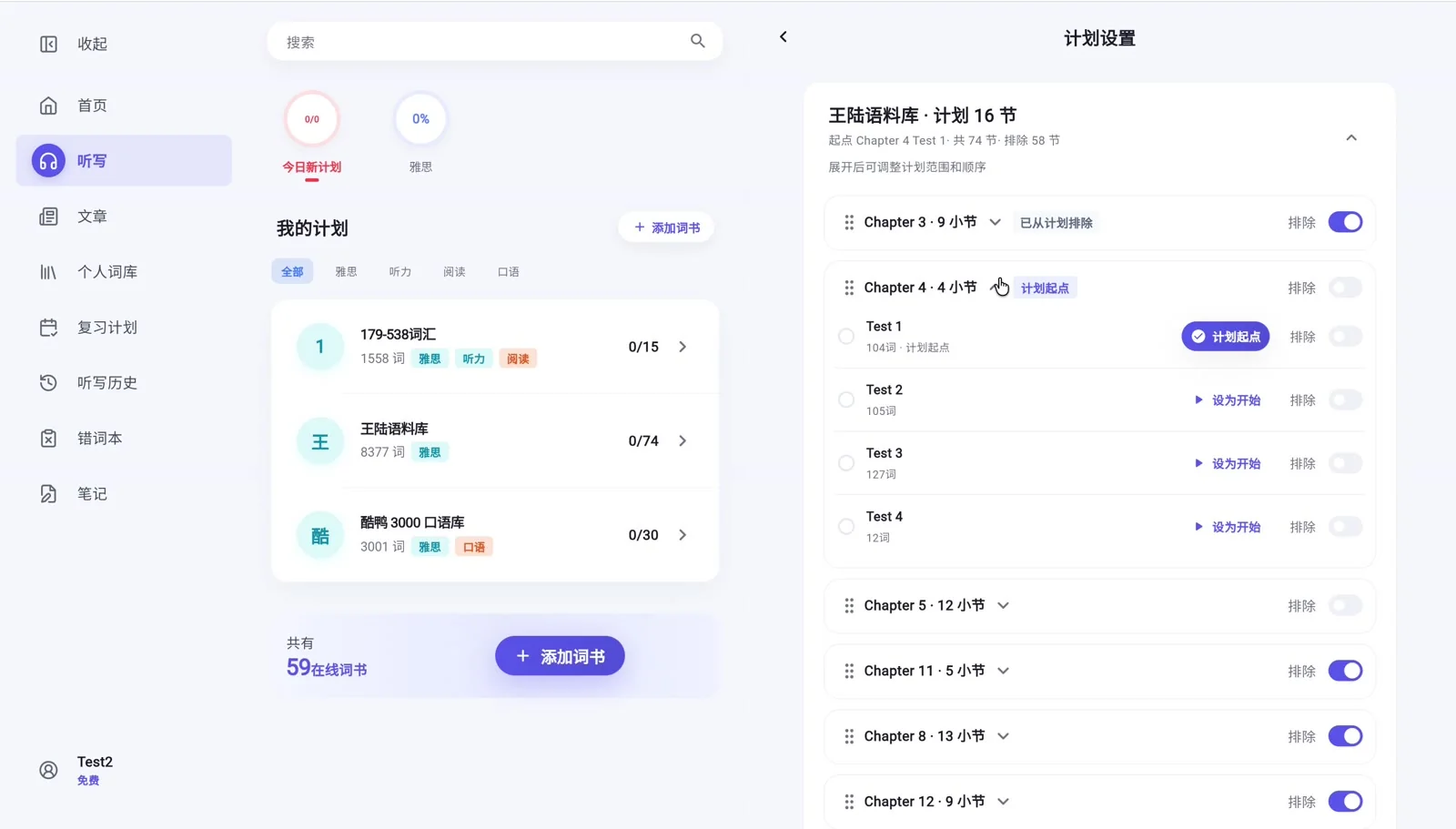
从现有词书挑选学习范围,也可以自由创建词库、章节和小节,按需整理自己的学习内容。Choose words from existing books or create your own wordbooks, chapters and lists. Organize and practice the vocabulary you need.
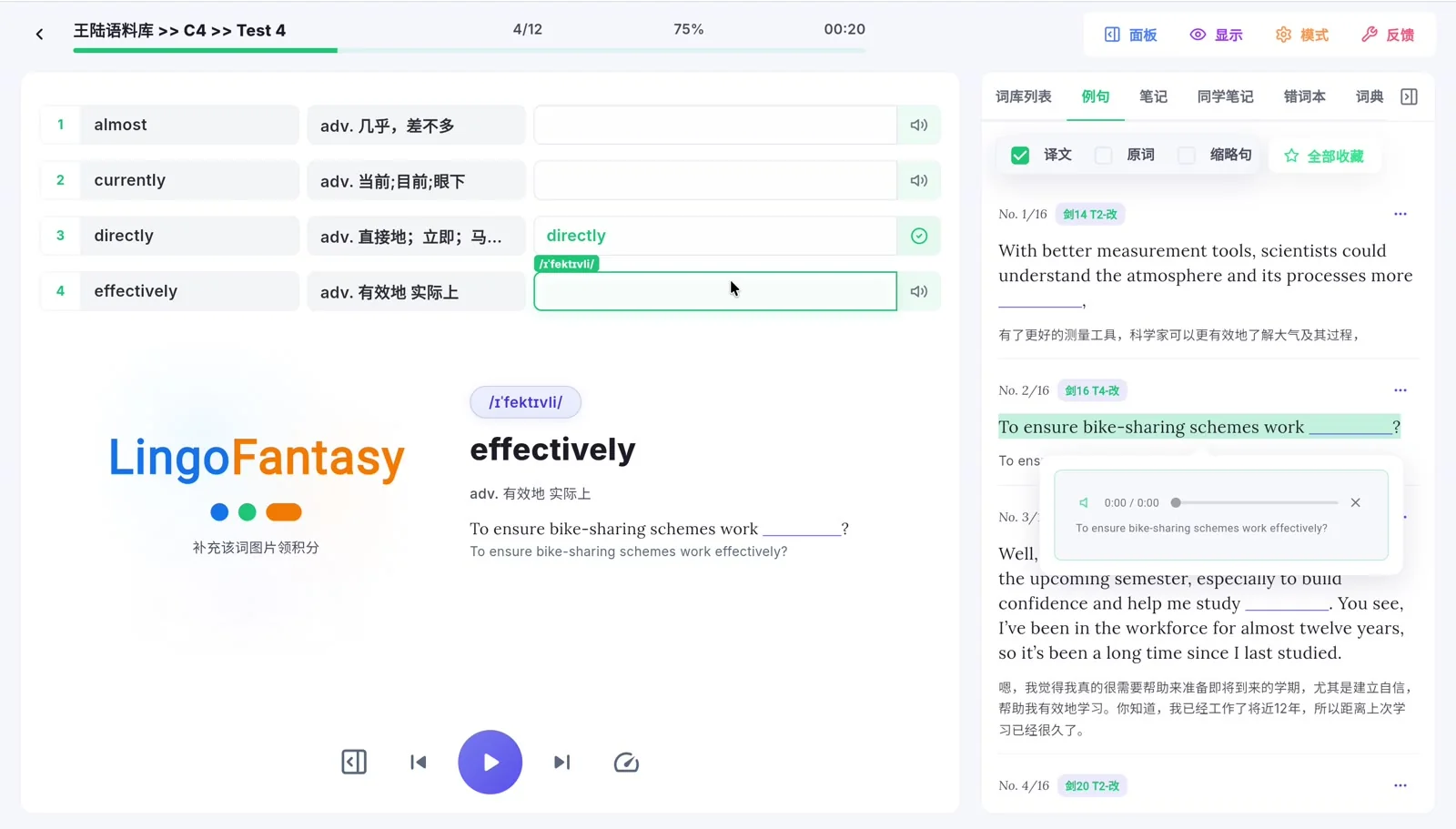
听写不只是回答对错。你可以查看音标、释义、例句与错误记录,让每次练习都成为新的理解。Dictation goes beyond right and wrong. Pronunciation, meanings, example sentences and mistake review help turn each attempt into better understanding.
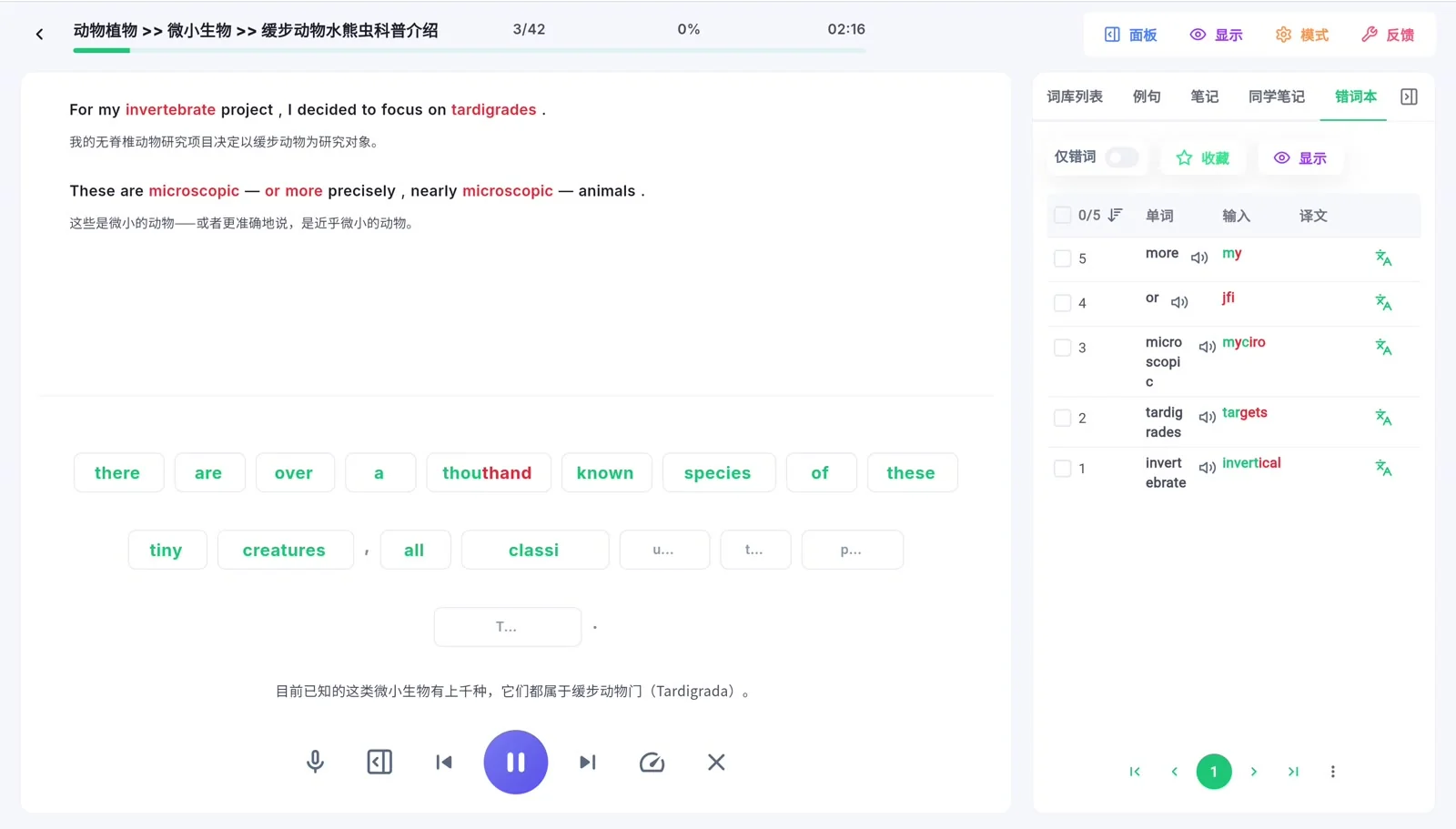
把词汇放回句子和文章里。通过文章听写、翻译与笔记,把零散的新词连接成真正的语言能力。See words in sentences and articles. Listen, study translations and take notes as vocabulary turns into language skills.
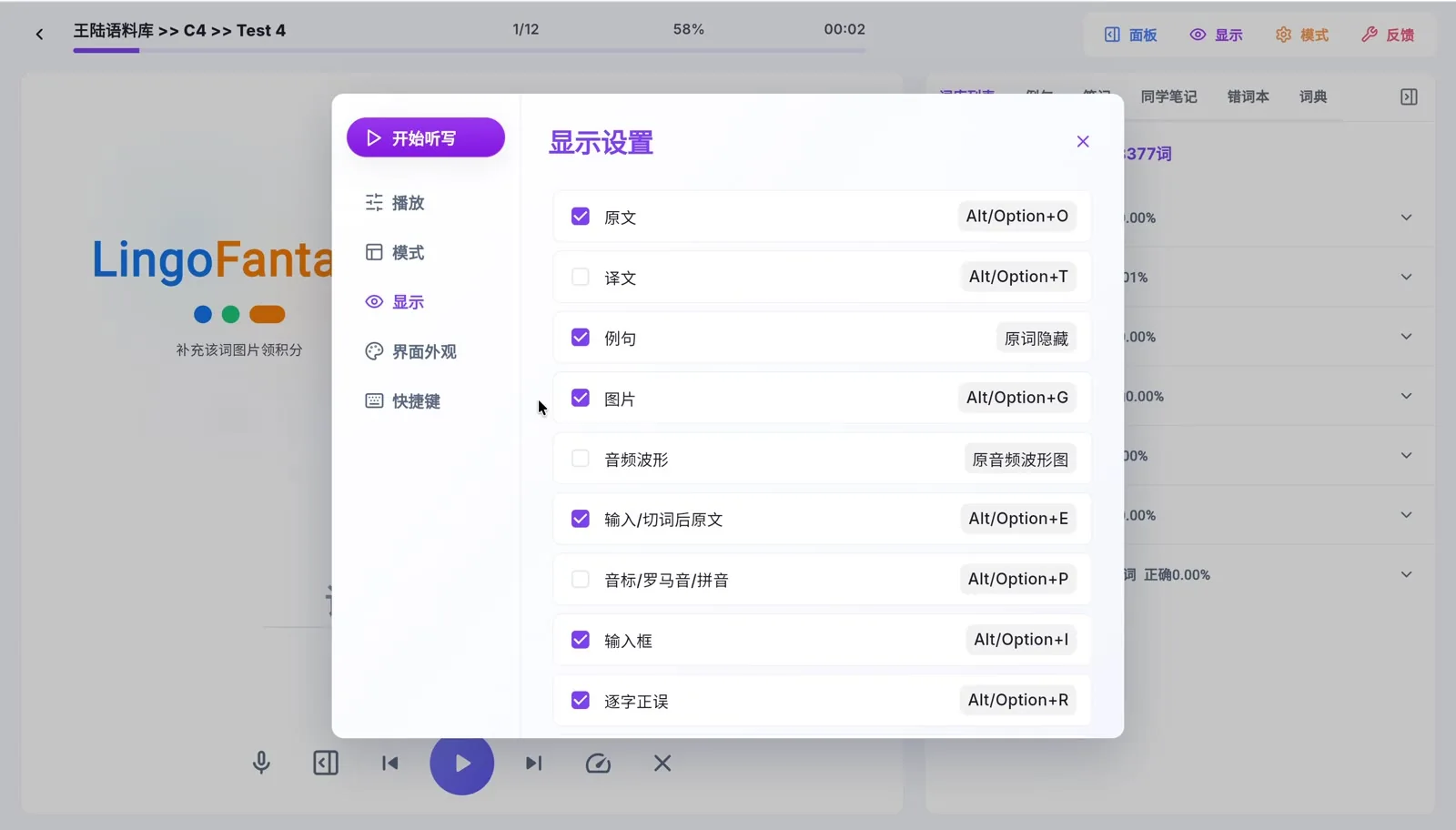
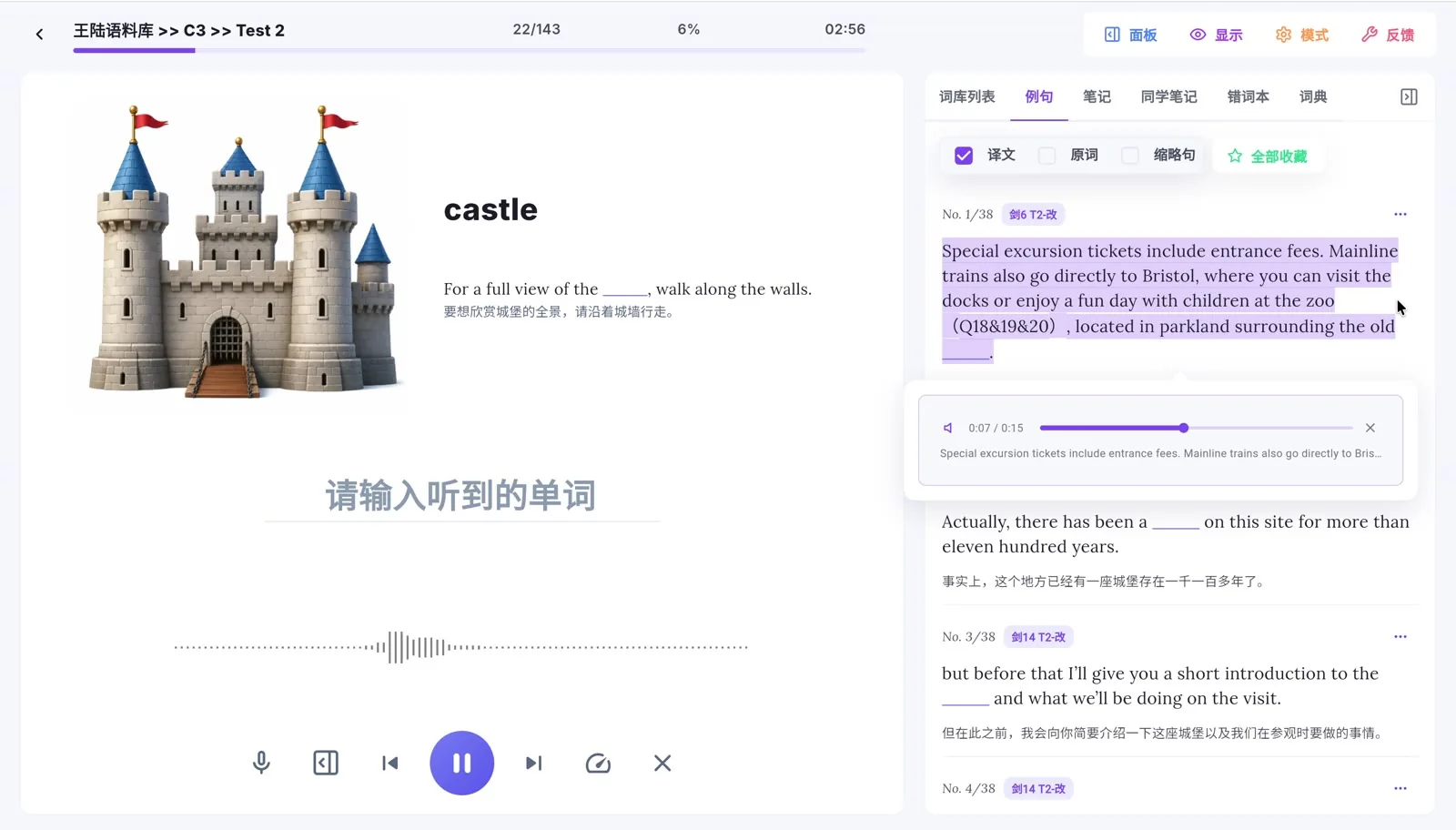
自由调整听写的显示内容,查看上下文例句,并把错词带入下一次练习。Customize what appears during dictation, explore examples and revisit missed words.
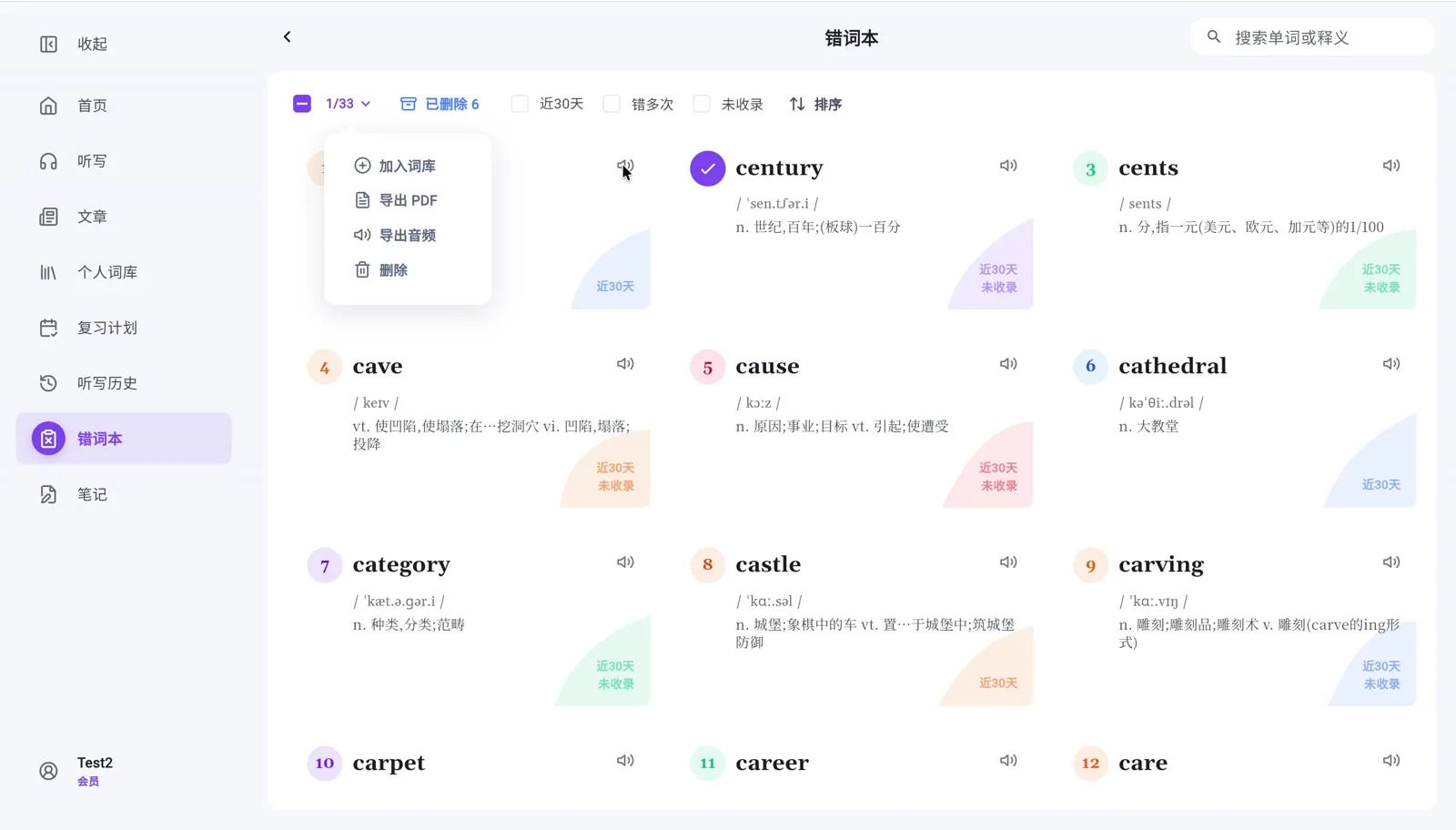
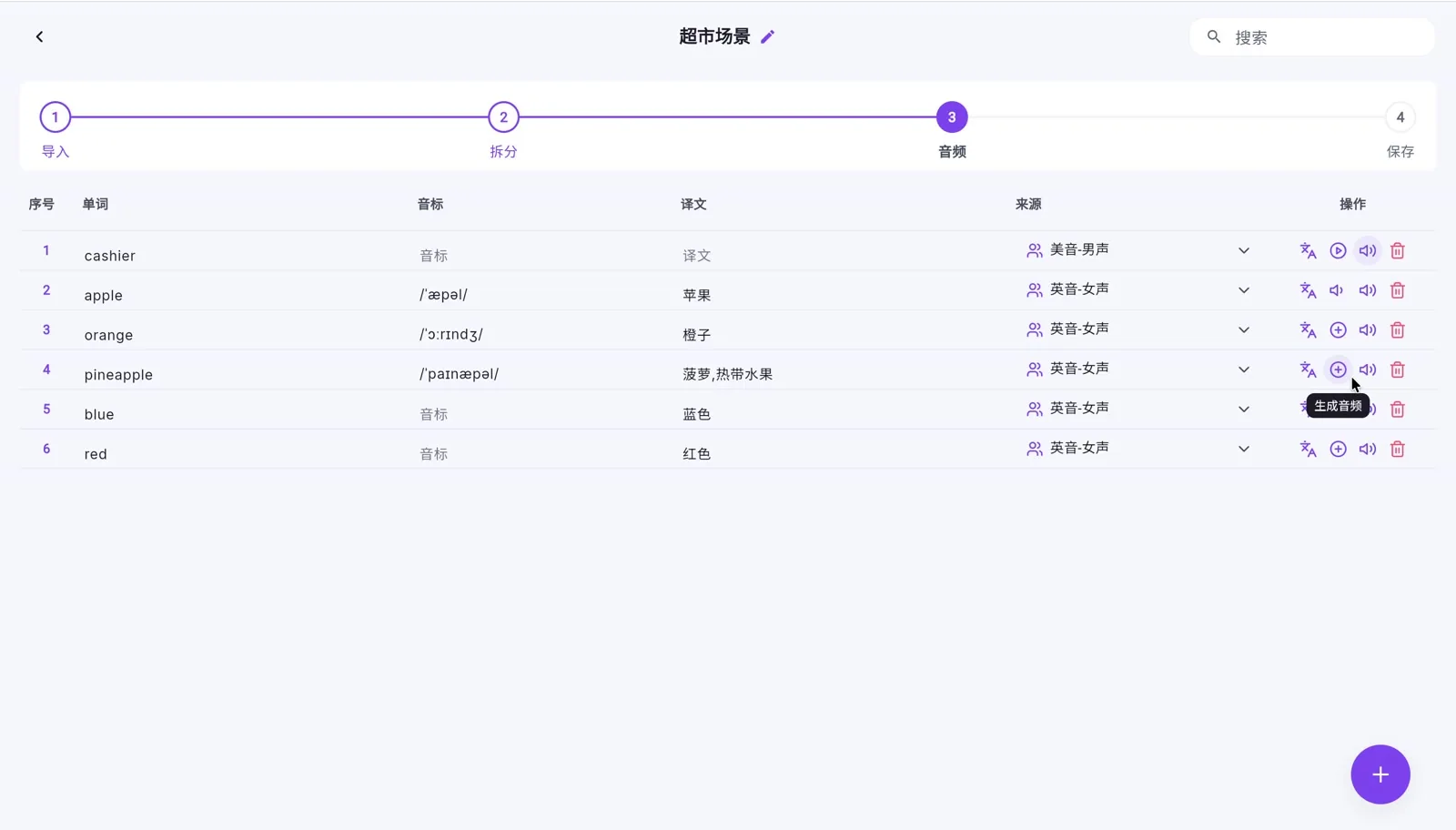
创建个人词库、增加章节与小节,批量粘贴或导入单词。整理音标、翻译与朗读后,直接开始听写。Create wordbooks with chapters and lists, paste or import vocabulary in batches, and organize pronunciation and translations before you practice.
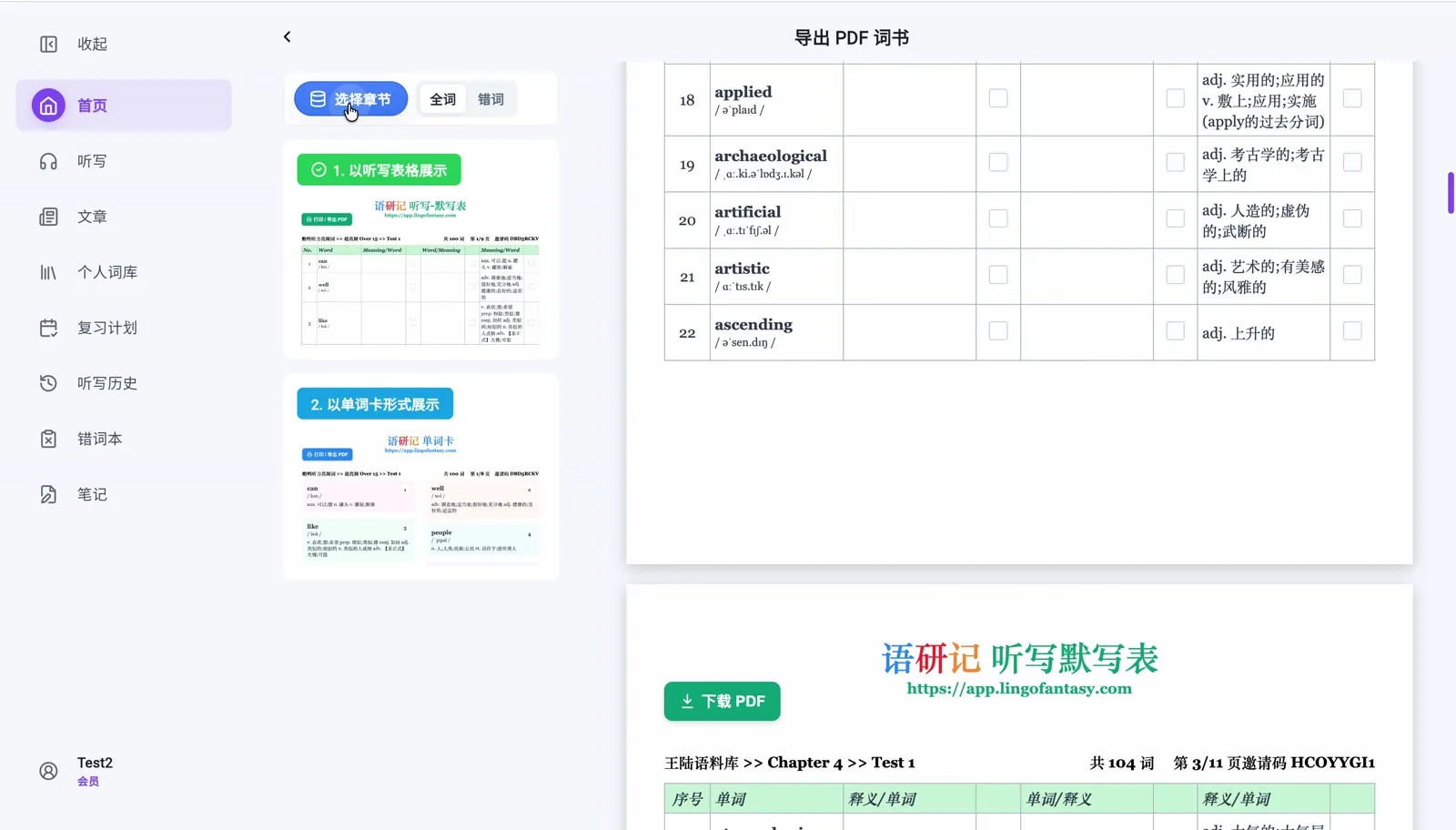
把选定章节或错词整理为可下载的 PDF;还可以使用词表及音频导出。屏幕上练过的内容,也能用于打印和离线复习。Export a selected chapter or mistake list as a printable PDF. The app also shows vocabulary-list and audio export options for offline practice.
围绕高效听写的学习思路,把公共词库、自动批改和个人复习整理在一起。Bring curated wordbooks, automatic correction and targeted review into one effective routine.
按章节选取需要学习的词,整理为适合自己的练习范围。Choose chapters and shape your own practice list.
自由调整播放与显示方式,重点检查真正没听清的词。Tune audio and display options; focus on what you missed.
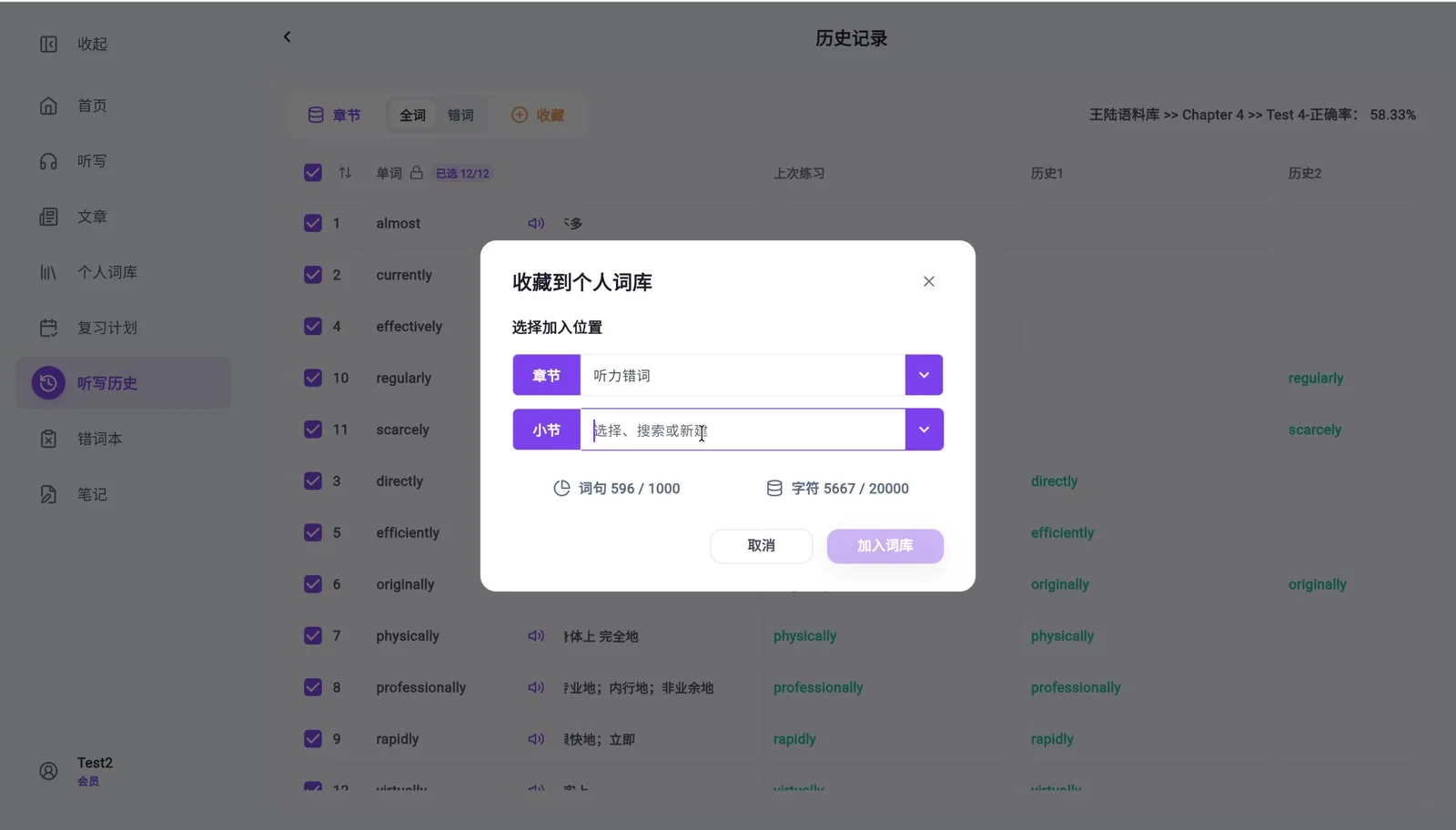
查看历史记录与正确率,把薄弱单词重新加入复习。Review your history and accuracy to work on difficult words.
答:Ctrl+A(Cmd+A) 或 双击页面 暂停及播放; Enter 跳转下一输入框(Shift+Enter 回退)
答:点击小节右侧的刷新按钮,即可重新加载本小节单词。
答:单词数据量大,且都是人工整理校对,难免有误,语研友友可以通过编辑的功能快速更新本地单词数据。如单词错误较多,也欢迎反馈给学姐统一更改。
答:建议所有设备都通过 Chrome 浏览器使用本站。
答:第一次听写某章节时需要初始化音频,耗时较长,再次听写同一章节可实现秒加载,不必担心。
答:重复听写时会默认加载上次的听写记录,如果上次该单词输入正确则会默认显示正确。
答:我们推荐的错词练习方法是打开原文和翻译,边听边写错词,加深记忆。如果记录正确率则错词会在一次练习后消失,达不到重复练习的目的。全词听写模式下消灭错词才能确保真实有效的正确率。
答:全词听写模式下数据会实时统计,可以看见正确率的增长变化。错词模式下的正确率不会变化。
答:在旧设备点击 数据备份-上传云端 将数据上传到服务器,之后在新设备登录后点击 数据备份-云端下载 即可同步数据
答:每日首次登录Lingofantasy,将自动备份练习数据至本地。请至少保留当日备份以备不时之需
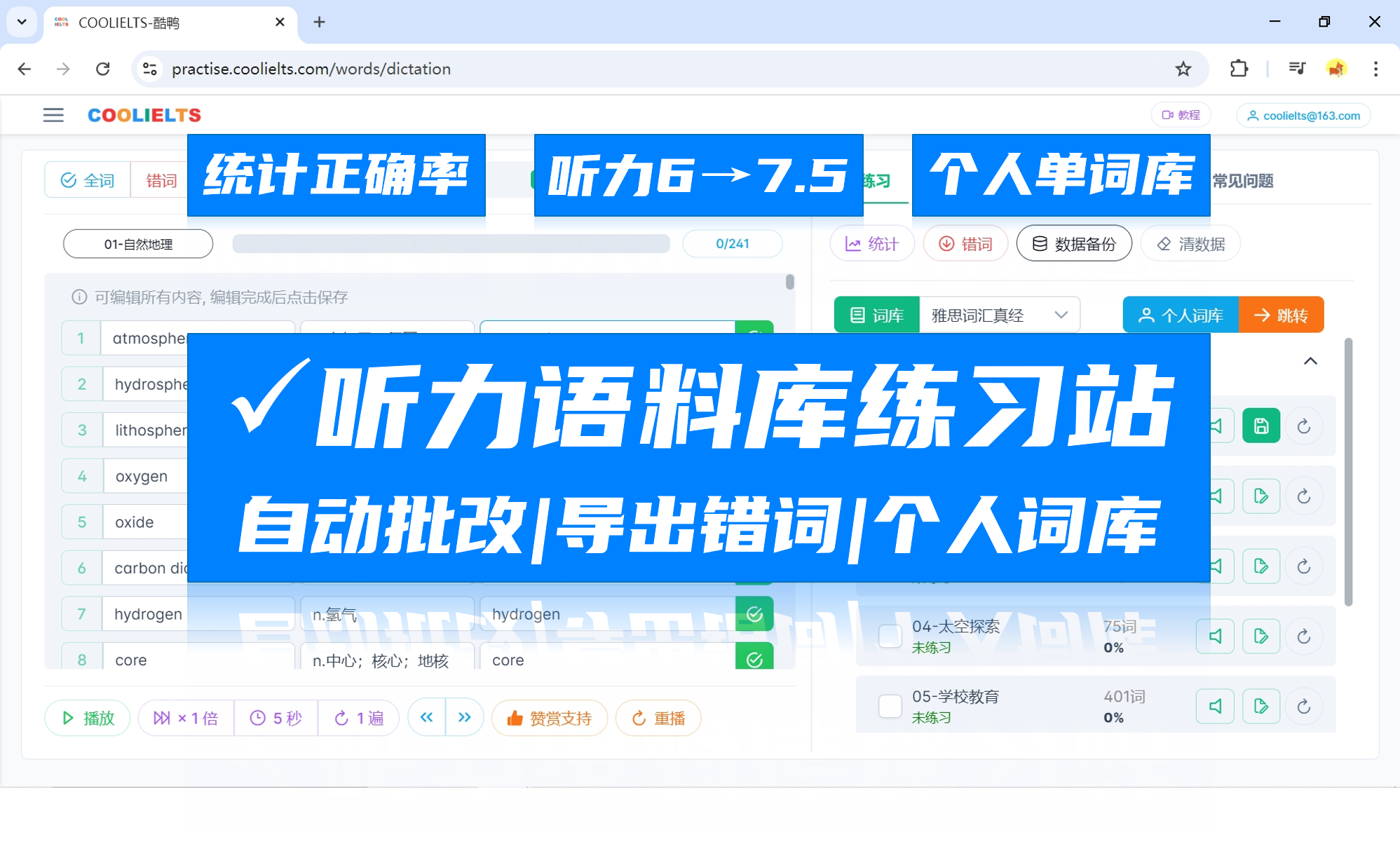

酷鸭练习站最新功能汇总,告别纸质和Excel听写!
酷鸭练习站最新功能汇总来啦,模拟雅思听力考试场景通过听写的方式来练习听力语料库,实现了「自动化批改」「统计正确率」「导出错词列表及音频」「历史记录」「个人词库」等功能 告别纸质Excel听写、人工核对,节省改错复盘的时间 邮箱登录后免费云端同步,免登录模式也可以丝滑使用。
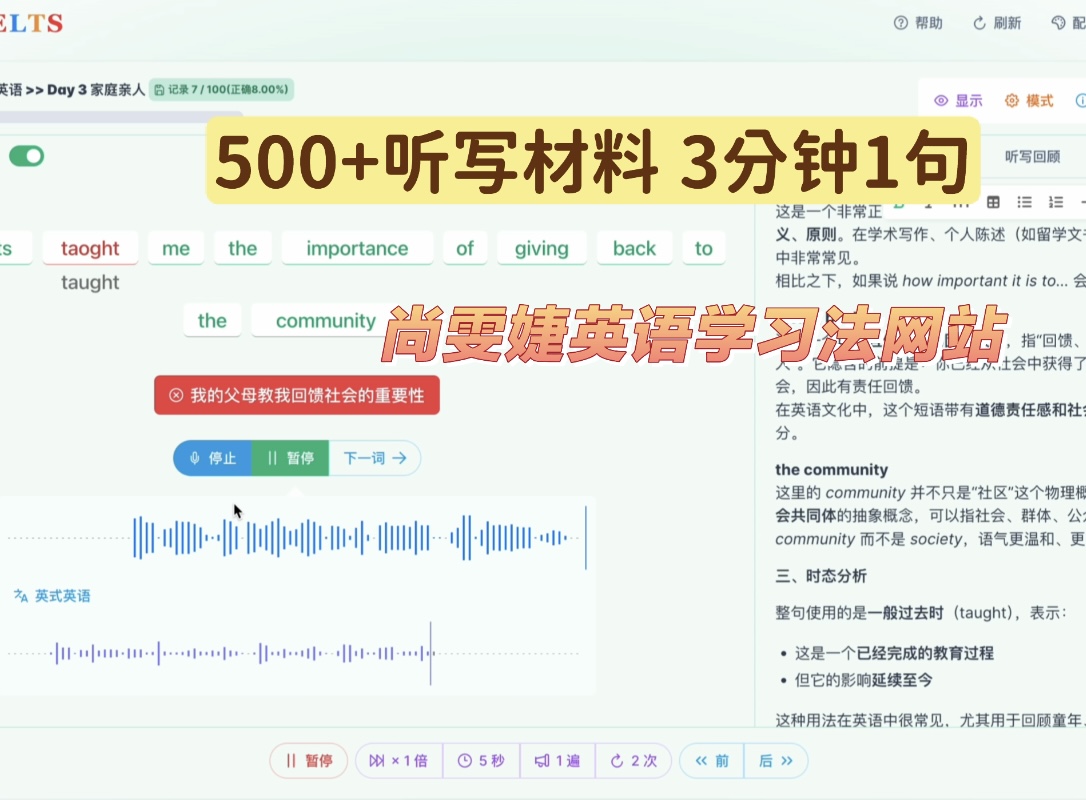 雅思备考语言学习
免费网站尚雯婕英语学习法网站分享
想要试试尚雯婕英语学习法的同学欢迎来使用!希望与大家互帮互助学好英语!500+听写材料,10+语料库打开即写,真的非常非常方便!保证免费可用!学英语最好的方法,没有之一,祝大家都能学好英语!
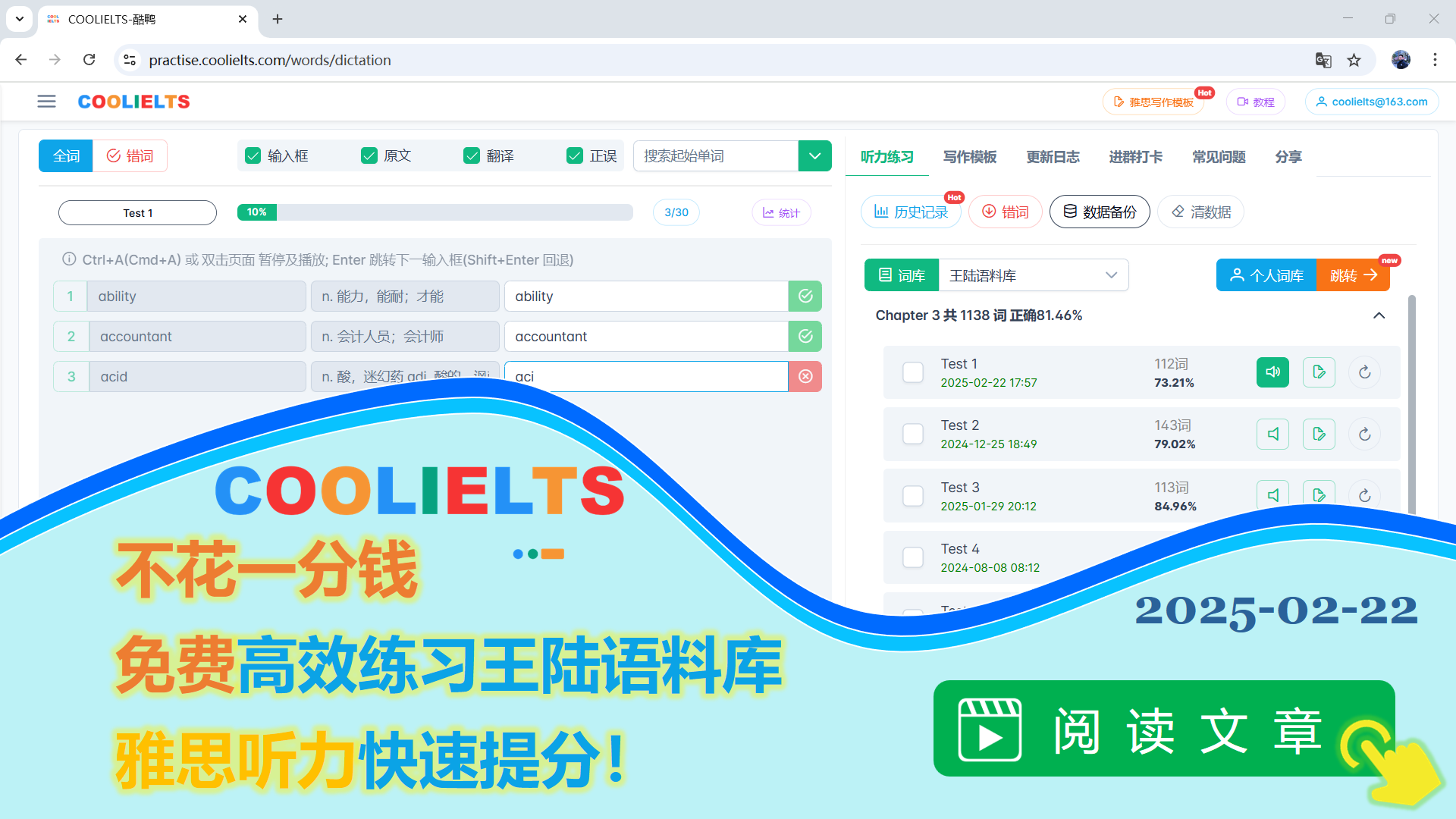 语研社LingoFantasy
不花一分钱免费高效练习王陆语料库,雅思听力快速提分!
本文介绍如何高效刷完王陆语料库,实现雅思听力快速提分。文章使用的练习工具为酷鸭雅思听力练习站,不过大家不必拘泥于工具,只要思路正确,Excel 或者是纸笔听写都是可以的,只是效率高低的区别而已
语研社LingoFantasy
酷鸭练习站最新功能汇总,告别纸质和Excel听写!
酷鸭练习站最新功能汇总来啦,模拟雅思听力考试场景通过听写的方式来练习听力语料库,实现了「自动化批改」「统计正确率」「导出错词列表及音频」「历史记录」「个人词库」等功能,告别纸质Excel听写、人工核对,节省改错复盘的时间
用适合自己的节奏,遇见每一个新单词。Discover new words in a way that feels right to you.